Decide whether hybrid is the right configuration
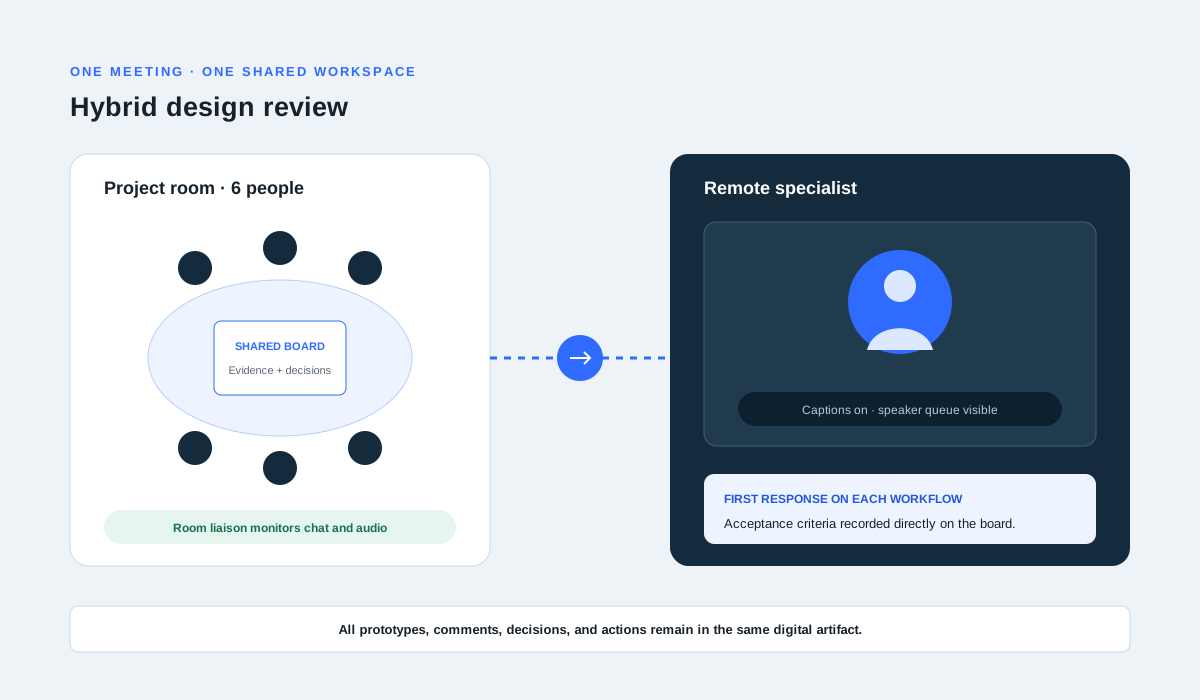
Hybrid meetings create asymmetry: people in the room share side conversations, physical cues, and materials that remote participants may not hear or see. Start with the work. If everyone can contribute through the same digital documents and the room adds little value, asking all participants to join individually may create a more equal environment.
Use hybrid when co-location has a real benefit and remote participation is still necessary. Name those benefits and costs in the invitation so the facilitator can protect the remote experience rather than treating it as a video feed attached to an in-room meeting.
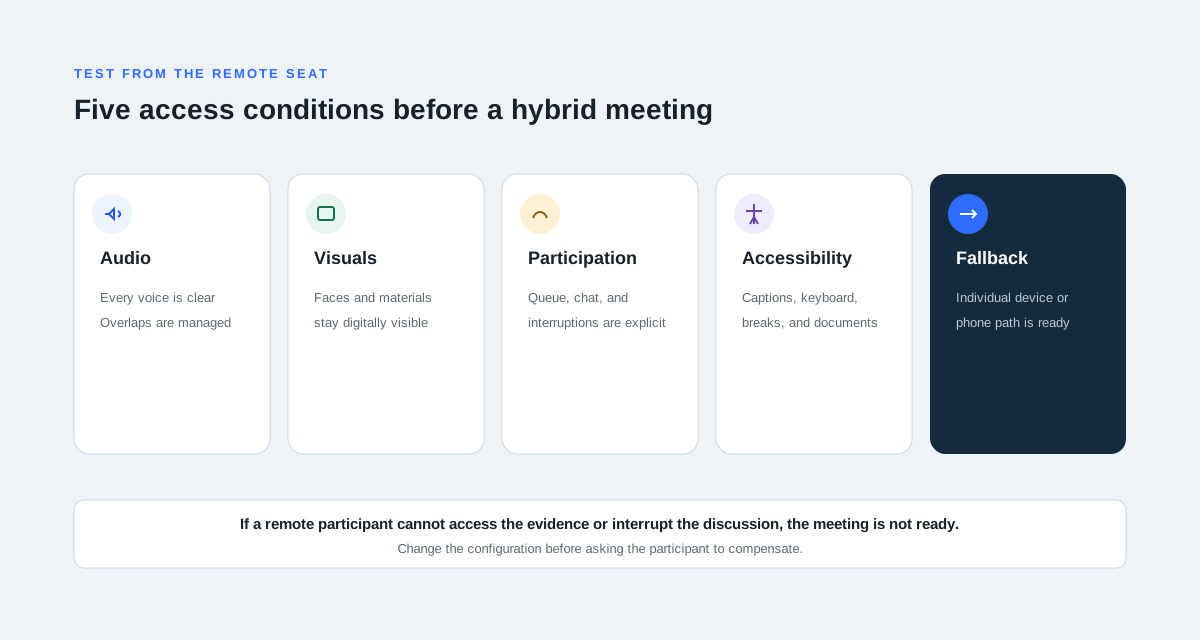
Test access from the remote seat
Before an important session, join from an ordinary remote device. Check whether a remote person can hear quiet speakers and overlapping conversation, see faces and physical materials, read shared content, use captions, and signal that they want to speak. A room microphone that works for the person nearest it is not a complete test.
- Audio: voices are clear across the room and remote speech is audible locally
- Visuals: documents are shared digitally rather than shown only on a wall
- Participation: hand raising, chat, and interruption rules are explicit
- Accessibility: captions, keyboard access, breaks, and materials are available
- Recovery: a phone or individual-device fallback is ready if room equipment fails
Assign roles that protect the whole room
Separate facilitation from technical monitoring when possible. The facilitator manages the outcome and turns; a room liaison watches chat, confirms that remote participants can follow, and stops the conversation when audio or shared context is lost. The note-taker records decisions in the shared artifact in real time.
Ask remote participants to contribute early, before the in-room group establishes a fast conversational rhythm. Use a visible speaker queue for contested decisions and pause after questions so audio delay does not become exclusion.
Keep one shared source of truth
Use a digital agenda, decision page, or whiteboard that everyone can access. If the room uses sticky notes or a physical board, assign someone to mirror them immediately. Avoid creating one record for the room and a second record in chat.
Close by reading decisions, actions, owners, and unresolved questions aloud. Give remote participants the first opportunity to correct the record because they are most likely to have missed side conversation or physical cues.